 Pre-order setup
Enable the embed, create one offer, set the terms. Everything else here is optional and can wait until real orders arrive.
The pre-order button is delivered by a theme app embed. Until it is switched on in your published theme, nothing appears on the storefront, however the offer is configured.
Enabling it on a duplicate or draft theme is the single most common reason the button does not appear. The dashboard tells you when it finds the embed on a draft theme but not your live one.
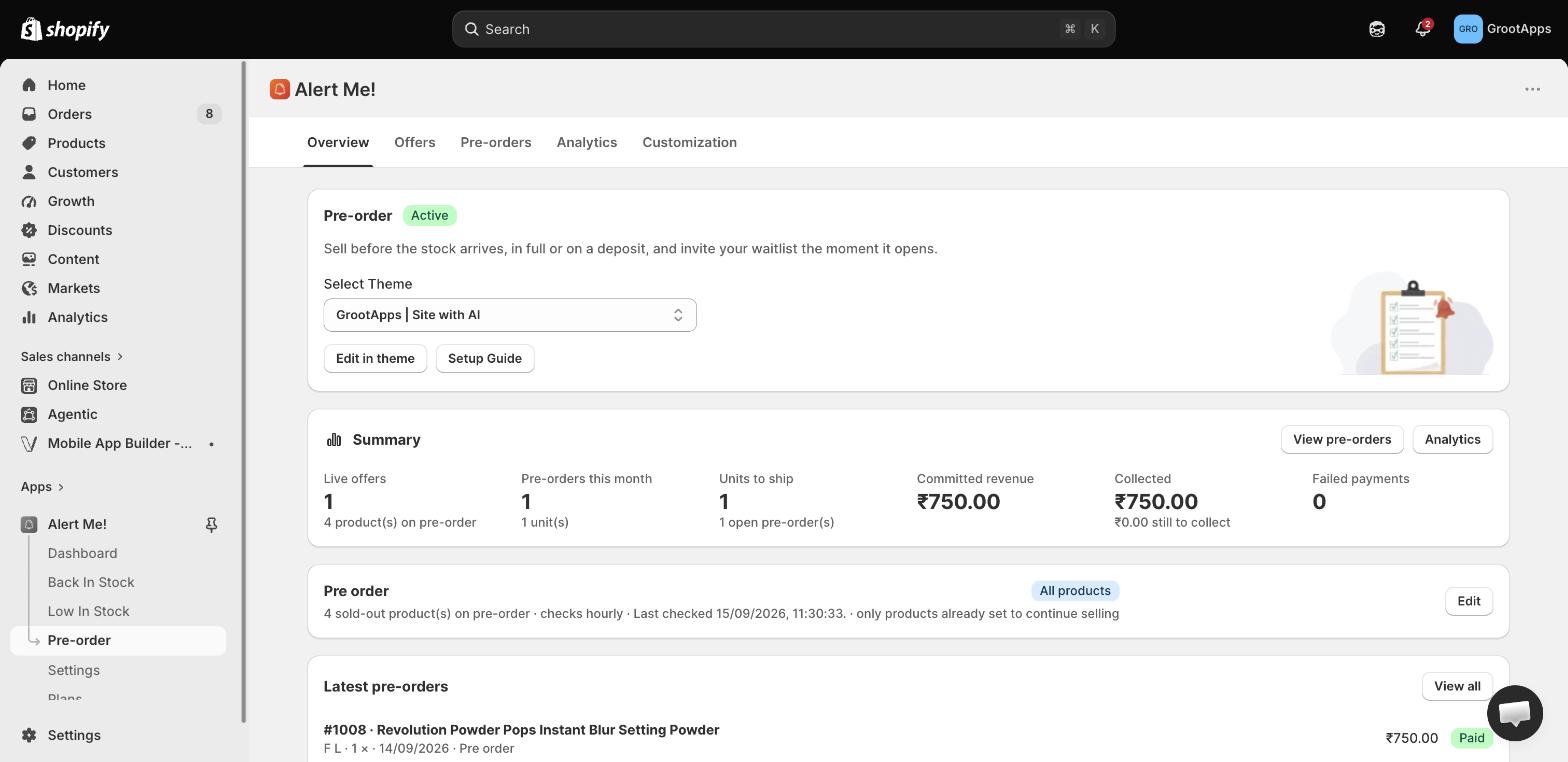
An offer answers two questions: which products can be pre-ordered, and on what terms. Pre-order → Offers → Create offer.
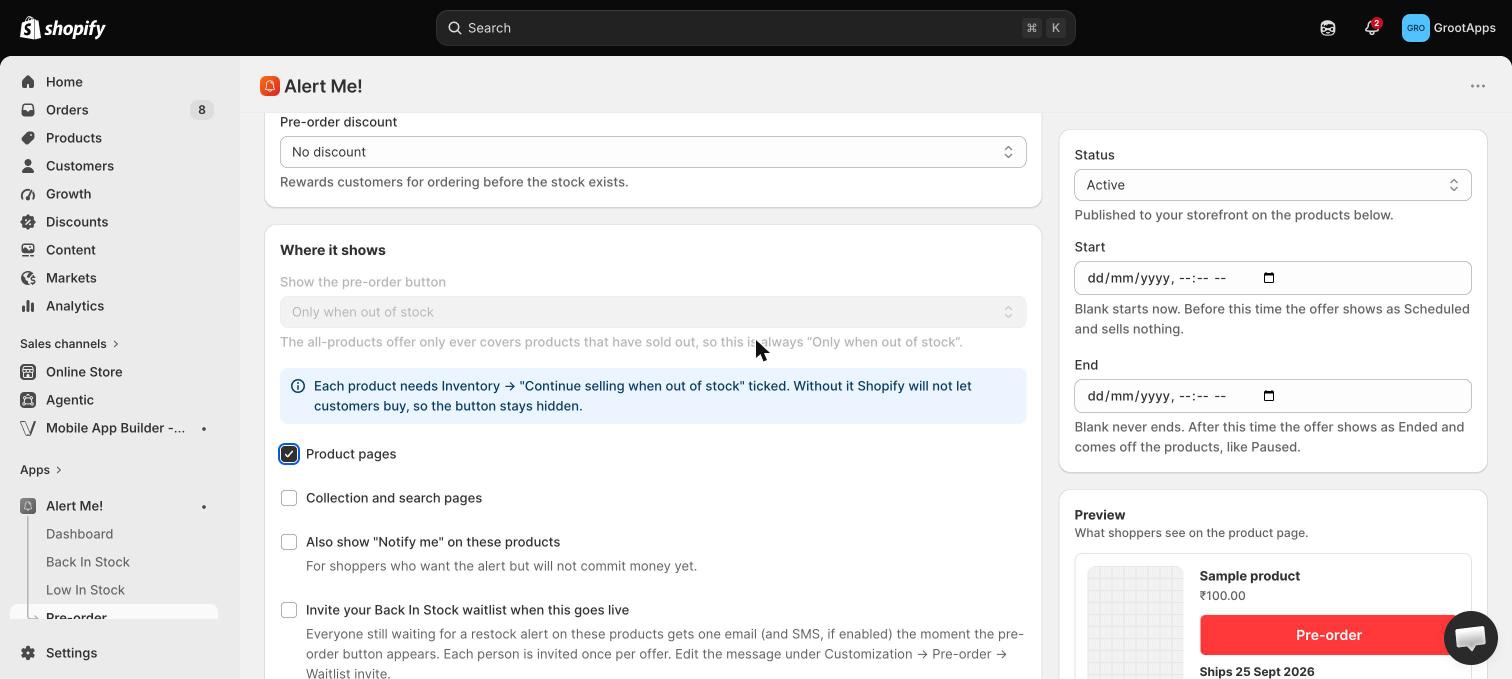
A product only shows the pre-order button when it is actually out of stock and set to keep selling when out of stock. Both must be true, which is what stops the button appearing on products you can still ship today.
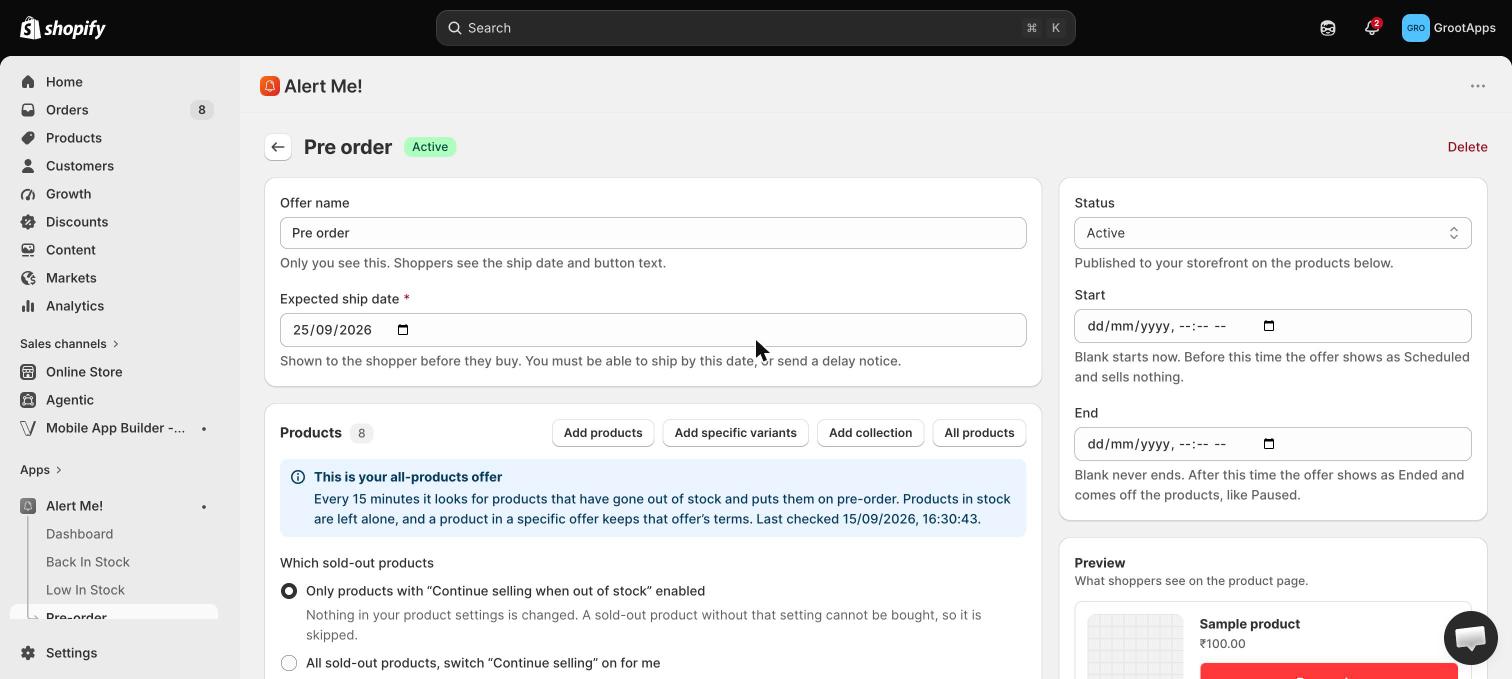
In the offer editor, open Payment. How you charge changes how many people pre-order and how much cash you hold before you ship.
Deposits and charge-on-fulfilment rely on Shopify vaulting the card at checkout. A card can still expire before the balance is due, which is why failed payments get their own section below.
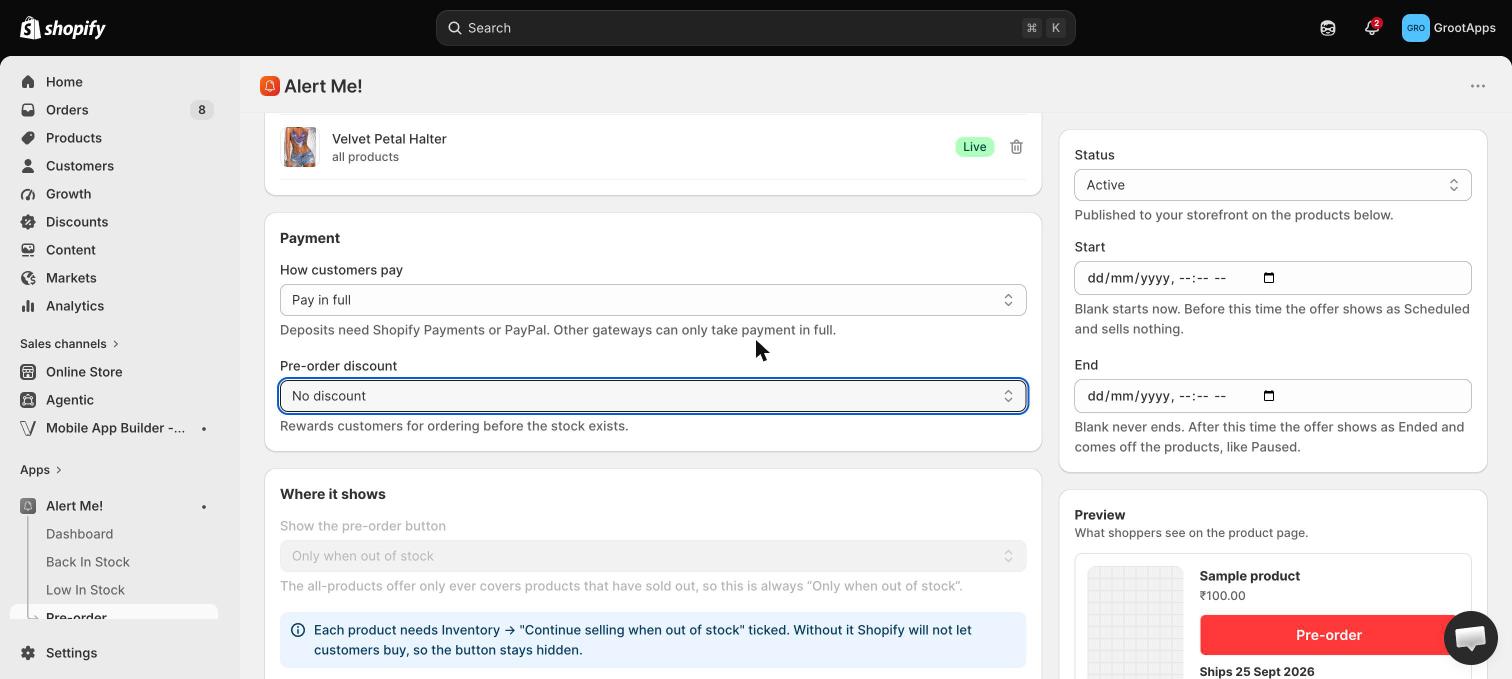
Shoppers will wait months for the right product. What they will not forgive is finding out late. Set the date on the offer and it appears on the button, in the cart and in the confirmation email.
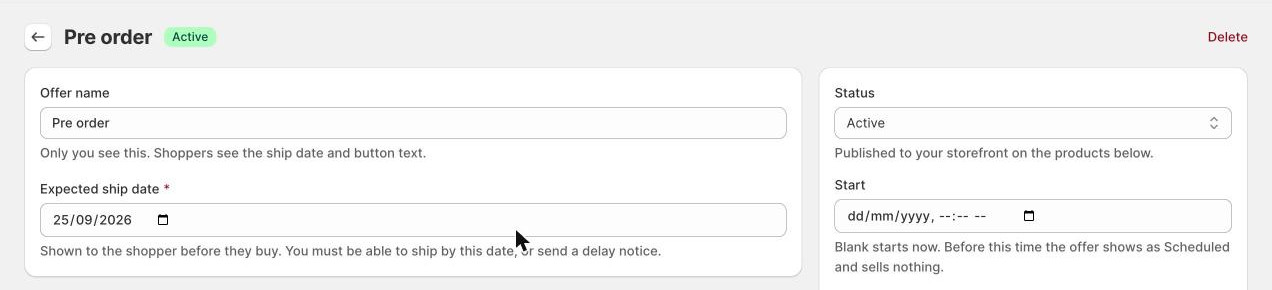
Instead of listing products by hand, create one offer scoped to All products. It is a standing rule, not a list: every hour the app checks your catalogue and adds whatever has just sold out.
The overview shows the rule's last run and how many products it currently covers. If a product you expected is missing, check that it is Active, has inventory tracking on, is genuinely at zero, and does not carry an excluded tag.
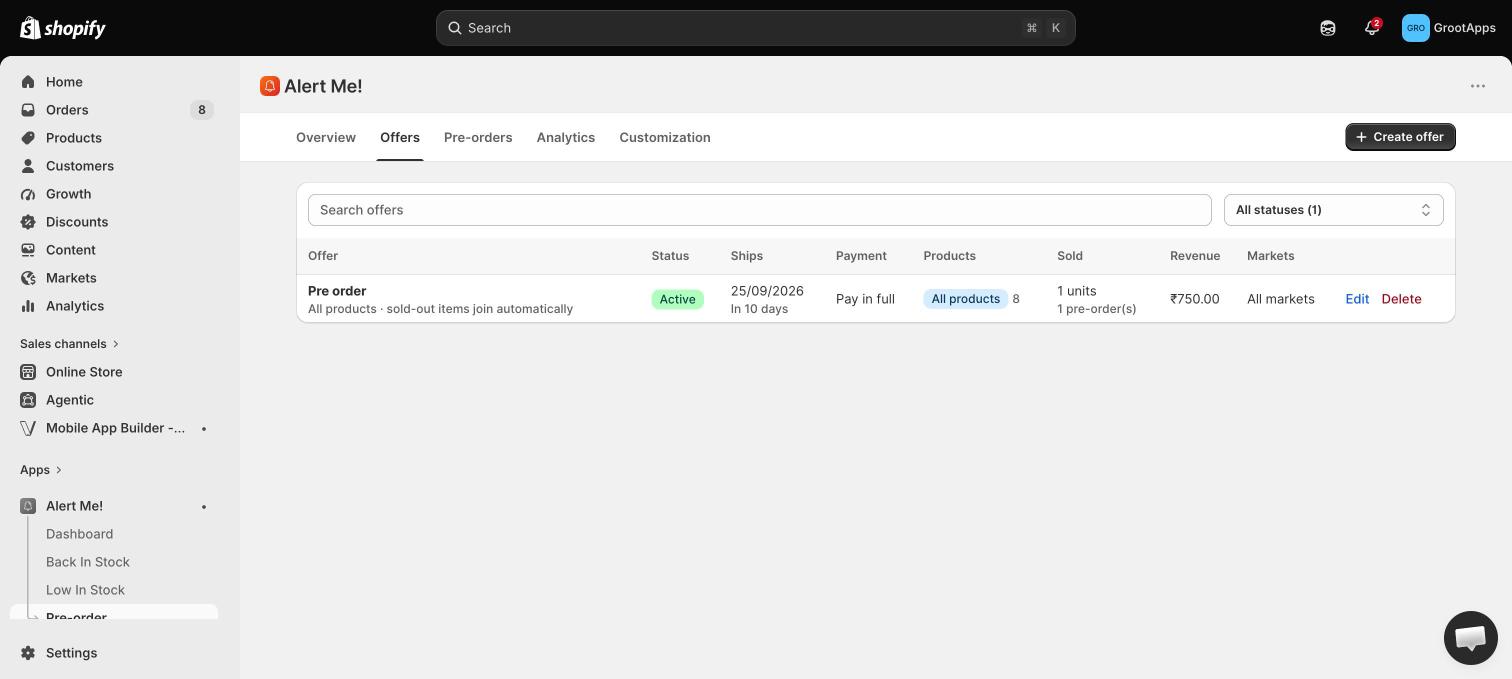
Two problems show up as soon as real orders arrive: someone buys forty of a limited run, and someone mixes a pre-order with something they expected tomorrow.
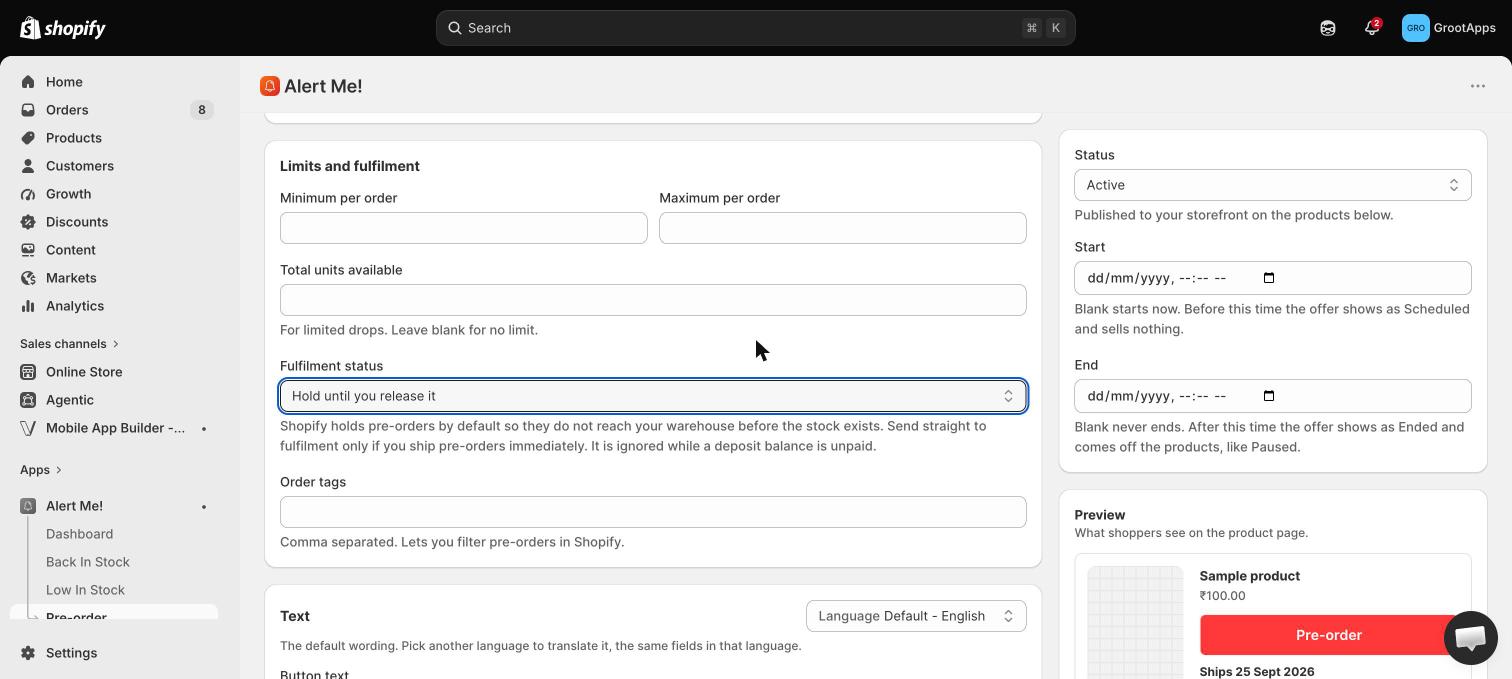
Pre-order → Customization. The live preview updates as you edit, and every string can be translated into each language you sell in.
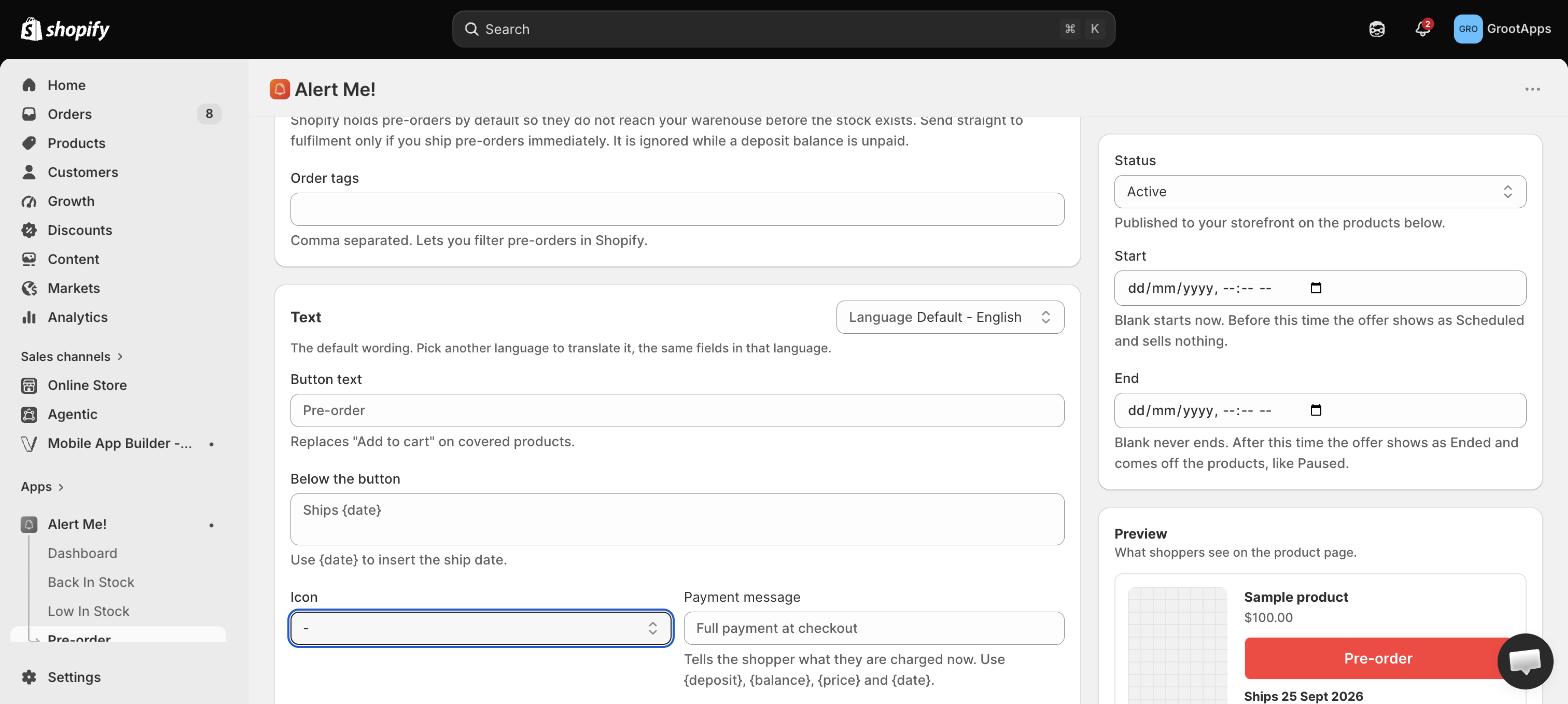
Pre-order sends its own emails, separate from your Back in Stock templates. Pre-order → Customization → Emails.
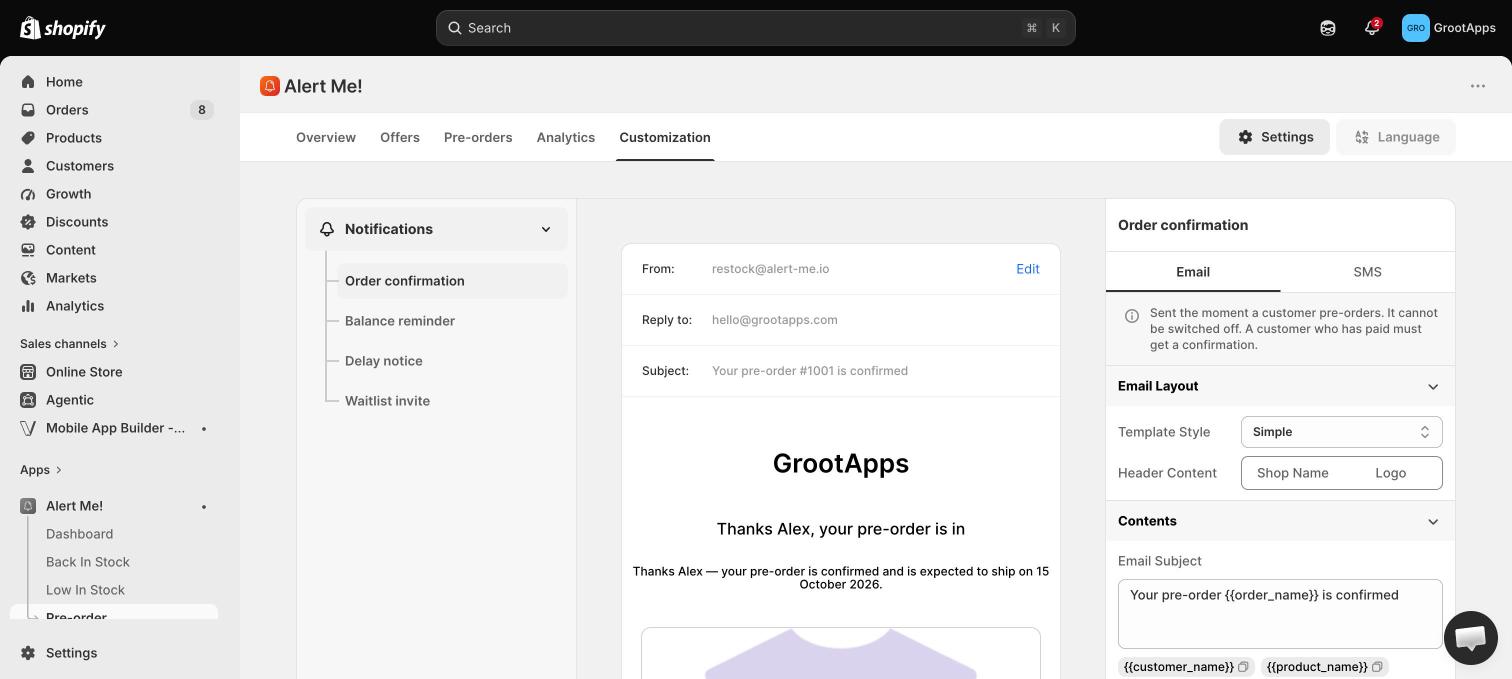
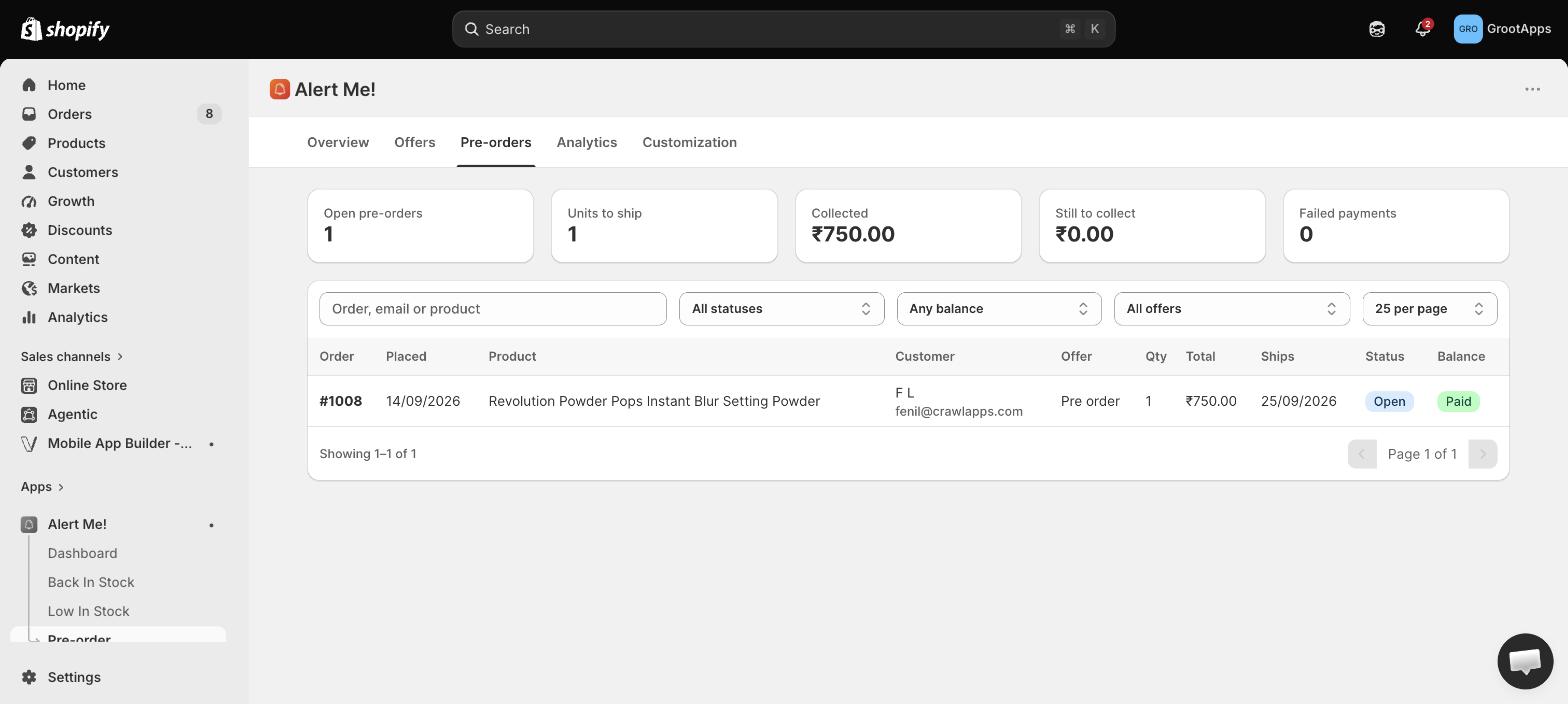
Pre-order → Pre-orders lists every pre-order with what has been collected and what is still owed. Balances reconcile against Shopify hourly, so a payment taken manually in your admin shows as paid here too.
Everyone who asked to be told when a product came back is already in your Back in Stock list. When you open a pre-order on that product, invite exactly those people instead of emailing the whole store.
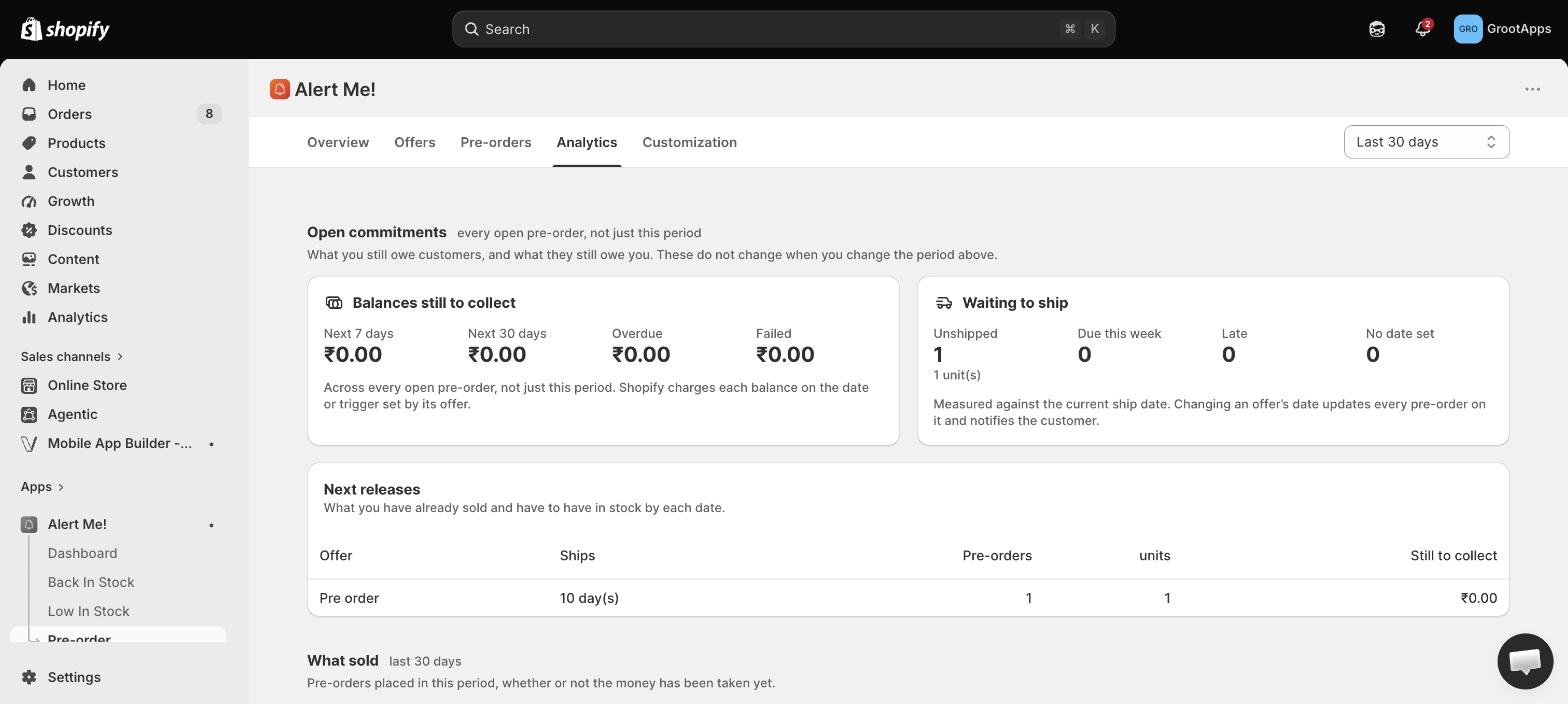
Pre-order → Analytics breaks revenue and units down by offer, so you can tell a launch that sold from one that merely ran.
Check four things: the pre-order embed is on for your live theme, the offer is Active, the product is genuinely at zero stock, and it is set to continue selling when out of stock.
No. Pre-order is for products you cannot ship today. For in-stock urgency use Low in Stock instead.
The order is flagged in Pre-orders with the customer. You can ask them to update their card, then retry the capture.
Free covers specific products, pay in full, ship dates, the all-products rule and translations (20 pre-orders a month). Starter adds deposits, variants, collections, scheduling and limits. Standard adds analytics, discounts and delay notices. Pro adds charge on fulfilment and waitlist invites.
 Alert Me!